Getting Started with the LocaleKit CLI
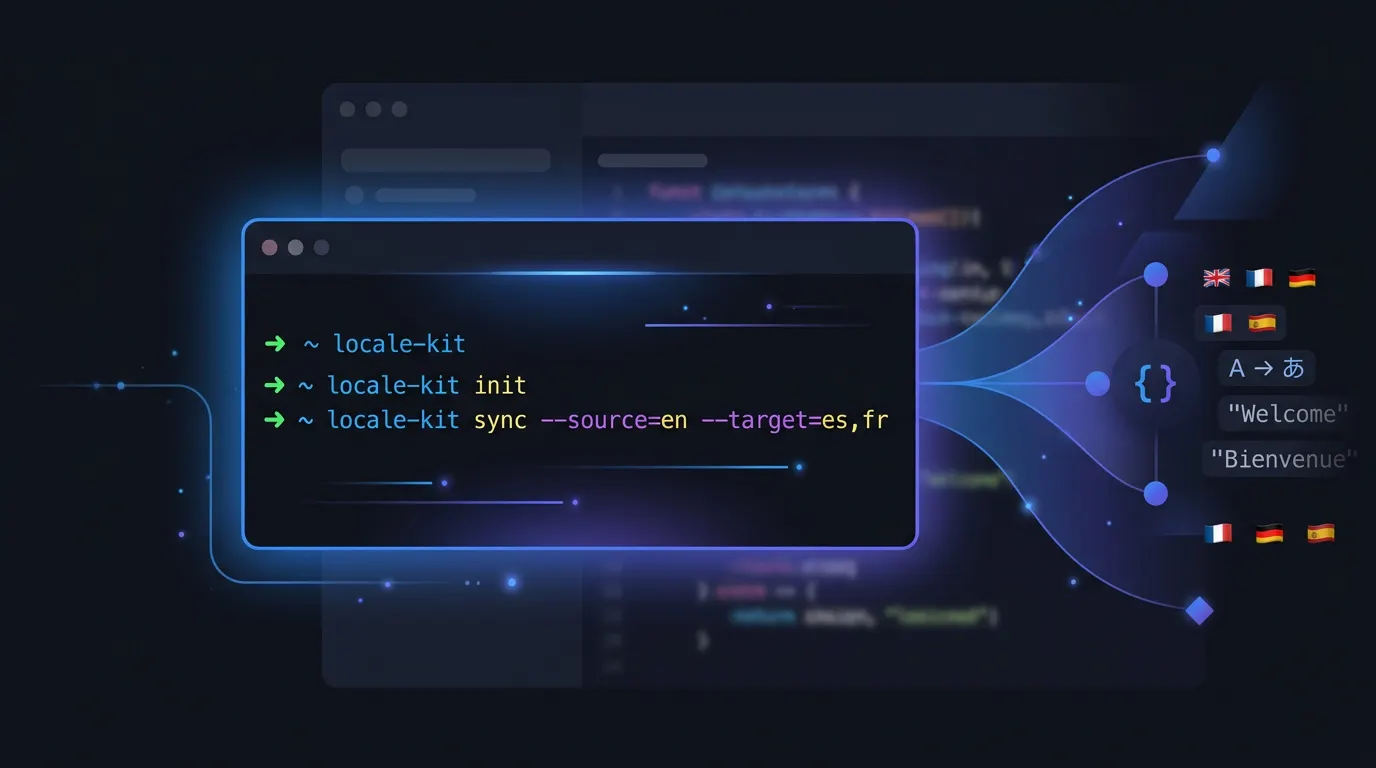
The LocaleKit CLI brings app translation into your terminal. One command scans your project for localization files. Another translates missing strings using DeepL, OpenAI, or on-device MLX. A third pushes the results as a GitHub pull request. This guide gets you from install to first translation in five minutes.
Docs Reference
Full CLI documentation is available at docs.localekit.app
Install and translate in 5 minutes
Install via Homebrew
Run brew tap hexagone-studio/localekit https://github.com/hexagone-studio/LocaleKit.git && brew install localekit-cli. Verify with localekit --version.
Sign in to your account
Run localekit login --email you@example.com. You can also sign in with GitHub (--github) or Apple (--apple) via OAuth.
Initialize your project
Run localekit init in your project root. This creates a .localekitrc.yml config file with auto-detected settings (platform, source language, file paths).
Scan for localization files
Run localekit scan to detect your project's localization files. LocaleKit supports .xcstrings, .strings, strings.xml, .arb, .json, and more.
Translate missing strings
Run localekit translate --languages de-DE,fr-FR,ja-JP to translate into German, French, and Japanese. Choose your engine with --engine (deepl, openai, or mlx for fully local translation).
# Install
$ brew tap hexagone-studio/localekit https://github.com/hexagone-studio/LocaleKit.git
$ brew install localekit-cli

# Sign in
$ localekit login --github

# Initialize and scan
$ localekit init
$ localekit scan

Found 1 platform:
  Xcode (95% confidence)
    Localizable.xcstrings - 42 entries, 2 languages

# Translate
$ localekit translate --engine deepl --languages de-DE,fr-FR

Translating 42 keys to de-DE... done
Translating 42 keys to fr-FR... done

84 translations written.
Choose your translation engine
LocaleKit supports three translation engines. Each has different strengths depending on your language targets and privacy requirements.
Translation engines
DeepL
$ export DEEPL_API_KEY="your-key"
$ localekit translate --engine deepl
Best accuracy for European languages. Fast batch processing at 50 keys per request. Requires a DeepL API key (free tier available).
OpenAI
$ export OPENAI_API_KEY="your-key"
$ localekit translate --engine openai
Best context awareness. Understands UI strings, placeholders, and tone. Good for Asian languages. Requires an OpenAI API key.
MLX (Local)
$ localekit translate --engine mlx
# Or pick a specific model:
$ localekit translate --engine mlx \
  --mlx-model mlx-community/Qwen3-8B-4bit
Runs on your Mac using Apple Silicon. No API key, no cloud, no cost. Models download automatically. Needs 8GB+ RAM.
Configuration file
After running localekit init, you get a .localekitrc.yml file. This saves your settings so you can run localekit translate without flags every time.
workspace: ./
sourceLanguage: en-US
targetLanguages:
  - de-DE
  - fr-FR
  - ja-JP
engine: deepl
deeplApiKey: ${DEEPL_API_KEY}What is .localekit-snapshot.json?
After translating, LocaleKit saves a snapshot file. This lets localekit diff show you what changed since your last translation. Commit this file to your repo.
CLI FAQ
Does the CLI work with all the same formats as the macOS app?
Yes. The CLI supports .xcstrings, .strings, .stringsdict, .xliff, strings.xml, .properties, .arb, and .json - the same formats as the desktop app.
Can I use the CLI in CI/CD pipelines?
Yes. Use localekit sync to translate and open a pull request on GitHub automatically. Set API keys and GITHUB_TOKEN as environment variables in your CI config.
What happens if I run translate twice?
LocaleKit only translates missing keys. If a key already has a translation, it is skipped. This makes it safe to run repeatedly.
Do I need to be online for MLX engine?
Only for the first run, when the model downloads (2-18 GB depending on model size). After that, everything runs offline on your Mac.
Stop managing translation files manually
LocaleKit detects, translates, and syncs all your localization files — iOS, Android, Flutter, and more. Everything runs locally on your machine.
Privacy-first. No cloud required.