Complete Guide to Android App Localization
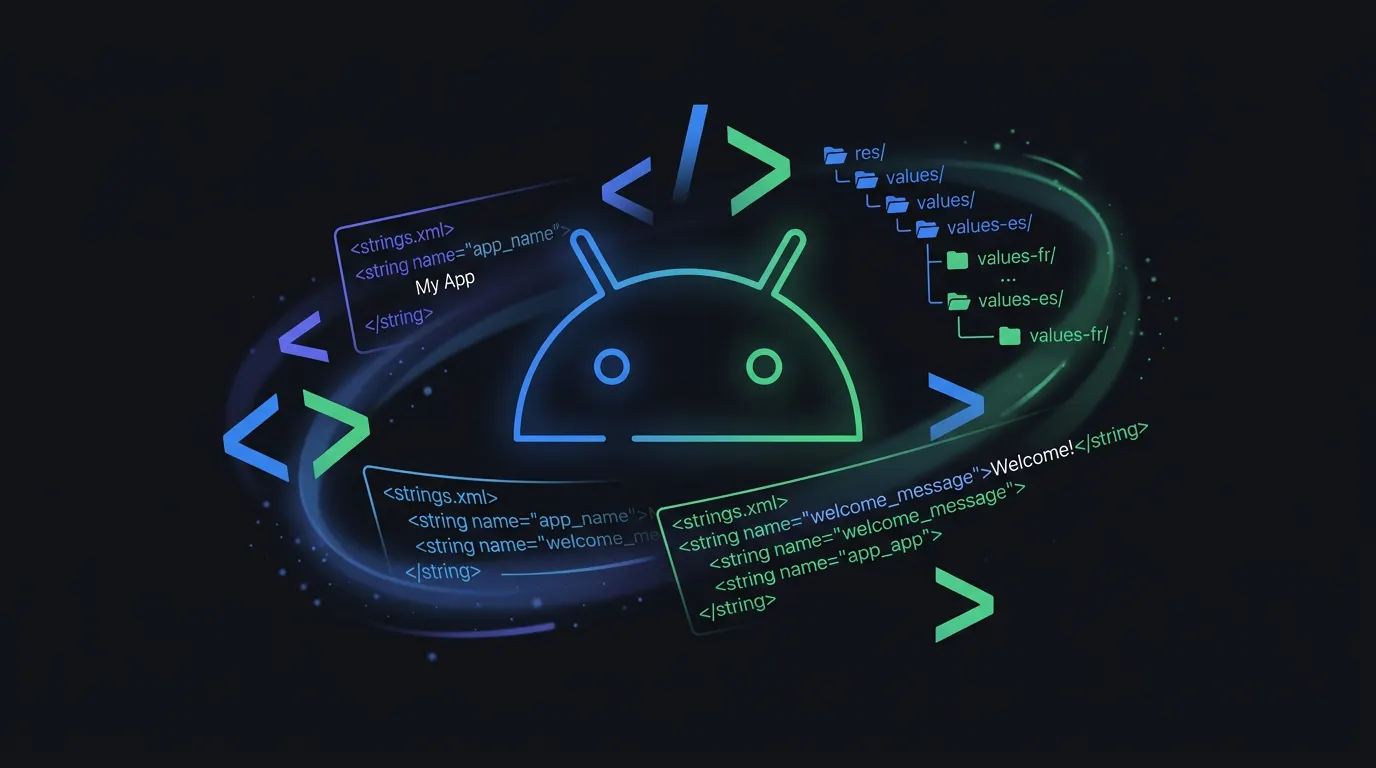
Android localization works through a resource directory system where each language gets its own strings.xml file under res/values-{locale}/. The Android framework automatically selects the right file based on the user's device language. This guide walks through the full setup, from your first strings.xml to handling plurals, format specifiers, and right-to-left layouts.
Quick Win
Android Studio can extract hardcoded strings into resources automatically. Select any hardcoded string, press Alt+Enter, and choose 'Extract string resource'.
<?xml version="1.0" encoding="utf-8"?>
<resources>
    <string name="app_name">MyApp</string>
    <string name="welcome_title">Welcome to MyApp</string>
    <string name="settings_title">Settings</string>
    <string name="btn_save">Save</string>
</resources>
How Android resolves localized resources
Android uses directory naming conventions to match resources to locales. Base strings live in res/values/strings.xml. Translations go in locale-specific directories like res/values-fr/ for French.
<?xml version="1.0" encoding="utf-8"?>
<resources>
    <string name="welcome_title">Bienvenue sur MyApp</string>
    <string name="settings_title">Paramètres</string>
    <string name="btn_save">Enregistrer</string>
</resources>class WelcomeActivity : AppCompatActivity() {
override fun onCreate(savedInstanceState: Bundle?) {
super.onCreate(savedInstanceState)
val title = getString(R.string.welcome_title)
findViewById<TextView>(R.id.titleText).text = title
}
}Common Pitfall
Never concatenate translated strings to build sentences. Word order varies across languages. Use string placeholders instead: <string name="greeting">Hello, %1$s!</string>
String resource formats compared
iOS
"greeting" = "Hello, %@!";iOS uses .strings files with %@ for string interpolation.
Android
<string name="greeting">
  Hello, %1$s!
</string>
Android uses XML with positional format specifiers like %1$s.
Flutter
{
  "greeting": "Hello, {name}!"
}
Flutter ARB files use named placeholders with ICU message syntax.
Android Localization FAQ
How do I test my app in a different language?
On the emulator or device, go to Settings → System → Language → Add a language, then drag it to the top.
How do I handle plurals in Android?
Use <plurals> resources in strings.xml. Access them with getQuantityString(R.plurals.item_count, count, count).
Stop managing translation files manually
LocaleKit detects, translates, and syncs all your localization files — iOS, Android, Flutter, and more. Everything runs locally on your machine.
Privacy-first. No cloud required.