Managing Translation Files at Scale
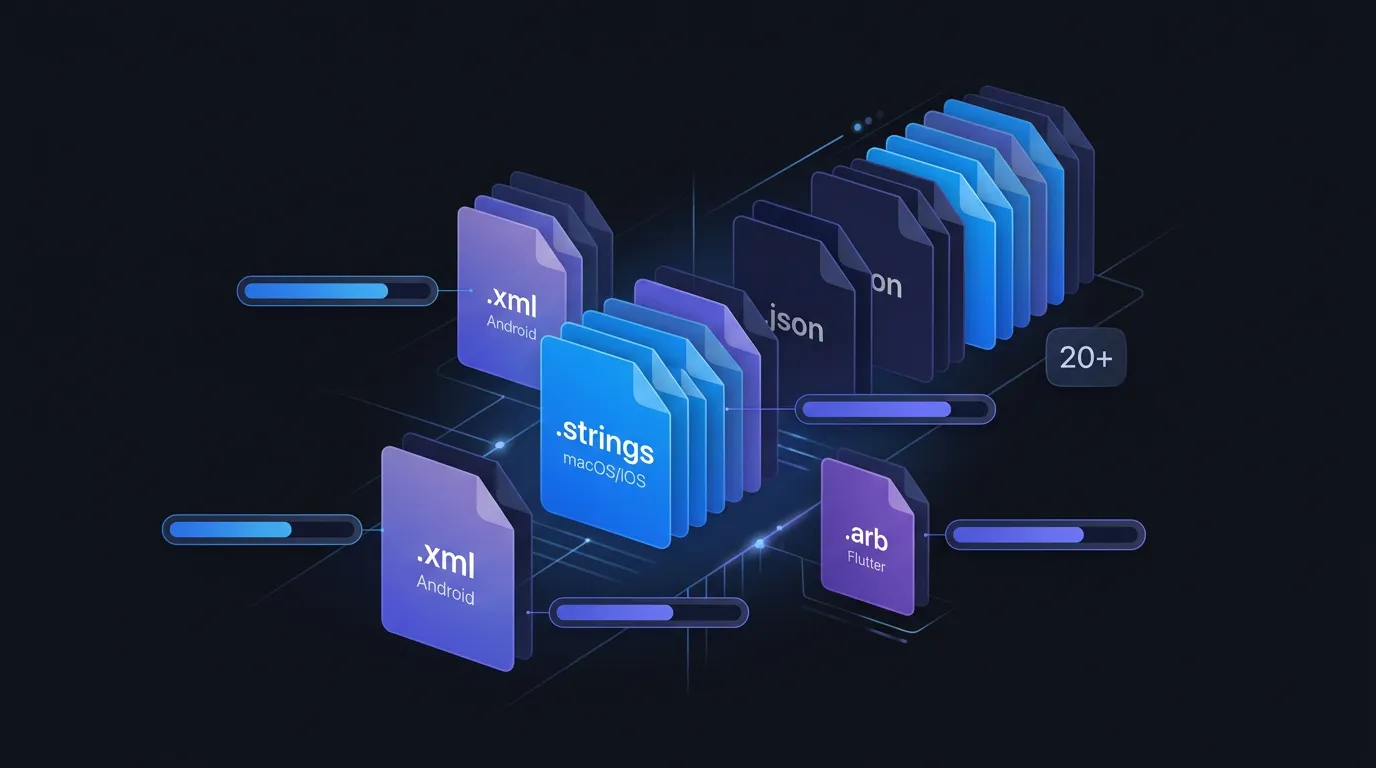
At 20 languages and 2,000 strings, you are managing 40,000 translations. Merge conflicts in strings.xml, untranslated keys shipping to production, and inconsistent terminology across screens become weekly problems. This post covers three strategies that work at scale: single source of truth, automated string detection, and translation memory.
Strategies
Single source of truth, automated string detection, and translation memory.
Merge Conflicts
Translation files are edited by both developers and translators. Without a clear workflow, merge conflicts are inevitable.
# Scan your project for localization files
$ localekit scan ./MyApp

Found 1 platform:
  Xcode (95% confidence)
    Localizable.xcstrings - 42 entries, 3 languages

# Check translation coverage
$ localekit status ./MyApp --detailed

  de-DE: 40/42 translated (95%)
  fr-FR: 38/42 translated (90%)
  ja-JP: 35/42 translated (83%)
LocaleKit sync took our coverage from 72% to 99% in a week.
FAQ
Store translations in version control?
Absolutely. Translation files should live in your repo alongside code.
Stop managing translation files manually
LocaleKit detects, translates, and syncs all your localization files — iOS, Android, Flutter, and more. Everything runs locally on your machine.
Privacy-first. No cloud required.