Use LocaleKit with AI Code Editors via MCP
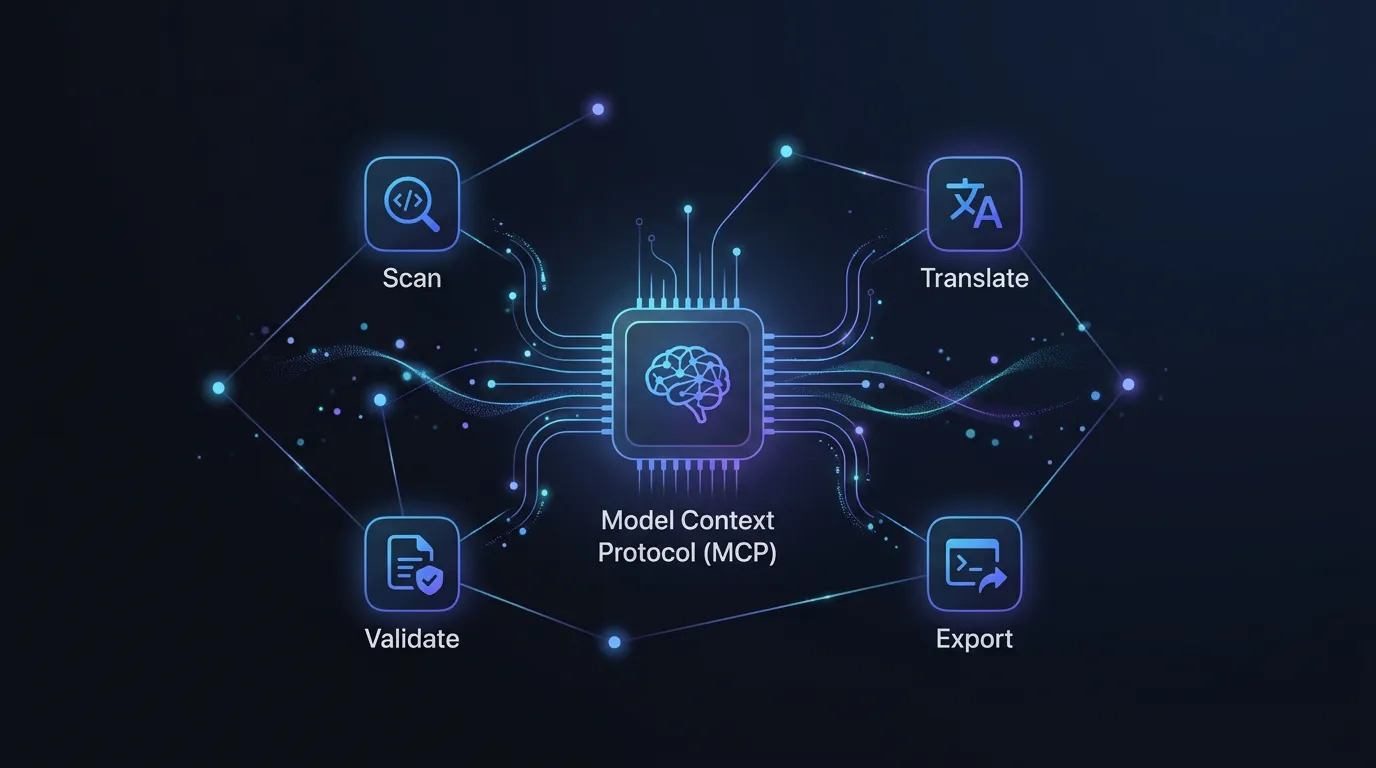
The Model Context Protocol (MCP) lets AI code editors interact with external tools directly. The LocaleKit CLI includes a built-in MCP server that gives your AI assistant access to scan, translate, validate, and export localization files. One command to set up, and your editor can manage translations without switching context.
Docs Reference
Full CLI documentation is available at docs.localekit.app
Setup in 30 seconds
The LocaleKit CLI includes a built-in MCP server. One command to register it, and your AI assistant can use all LocaleKit features.
# Register with Claude Code
$ claude mcp add localekit -- localekit mcp

# Or add to .mcp.json manually
$ cat .mcp.json{
"mcpServers": {
"localekit": {
"command": "localekit",
"args": ["mcp"]
}
}
}What your AI assistant can do
Once connected, your AI assistant has access to these LocaleKit tools:
- scan - detect localization files in your project
- status - check translation coverage per language
- validate - find placeholder mismatches, empty values, duplicate keys
- translate - translate missing keys using DeepL, OpenAI, or MLX
- export - convert to any format (xcstrings, arb, xml, json)
- convert - transform between localization formats
- diff - show what changed since last translation
Example prompts
Here are real prompts you can use with your AI assistant after connecting LocaleKit:
"Check the translation status of my project"

"Translate all missing keys to German and French using DeepL"

"Validate my localization files for placeholder mismatches"

"Export my Xcode strings to ARB format for Flutter"

"Show me what changed since the last translation"

"Convert my strings.xml to JSON format"Privacy
The MCP server runs locally on your machine. Your source code and translation data never leave your computer. The AI assistant sends commands to the local MCP server, which runs LocaleKit locally.
MCP FAQ
Do I need to be logged in for MCP to work?
Yes. Run localekit login first. The MCP server uses your existing authentication.
Which AI editors support MCP?
Claude Code (official support), Cursor, Windsurf, and any editor that supports the Model Context Protocol. Check your editor's MCP documentation for setup instructions.
Can MCP translate without an API key?
Yes, if you use the MLX engine. It runs entirely on your Mac with no API key required. For DeepL or OpenAI engines, you need the corresponding API key set in your environment.
Stop managing translation files manually
LocaleKit detects, translates, and syncs all your localization files — iOS, Android, Flutter, and more. Everything runs locally on your machine.
Privacy-first. No cloud required.