Automate Your Translation Workflow with the LocaleKit CLI
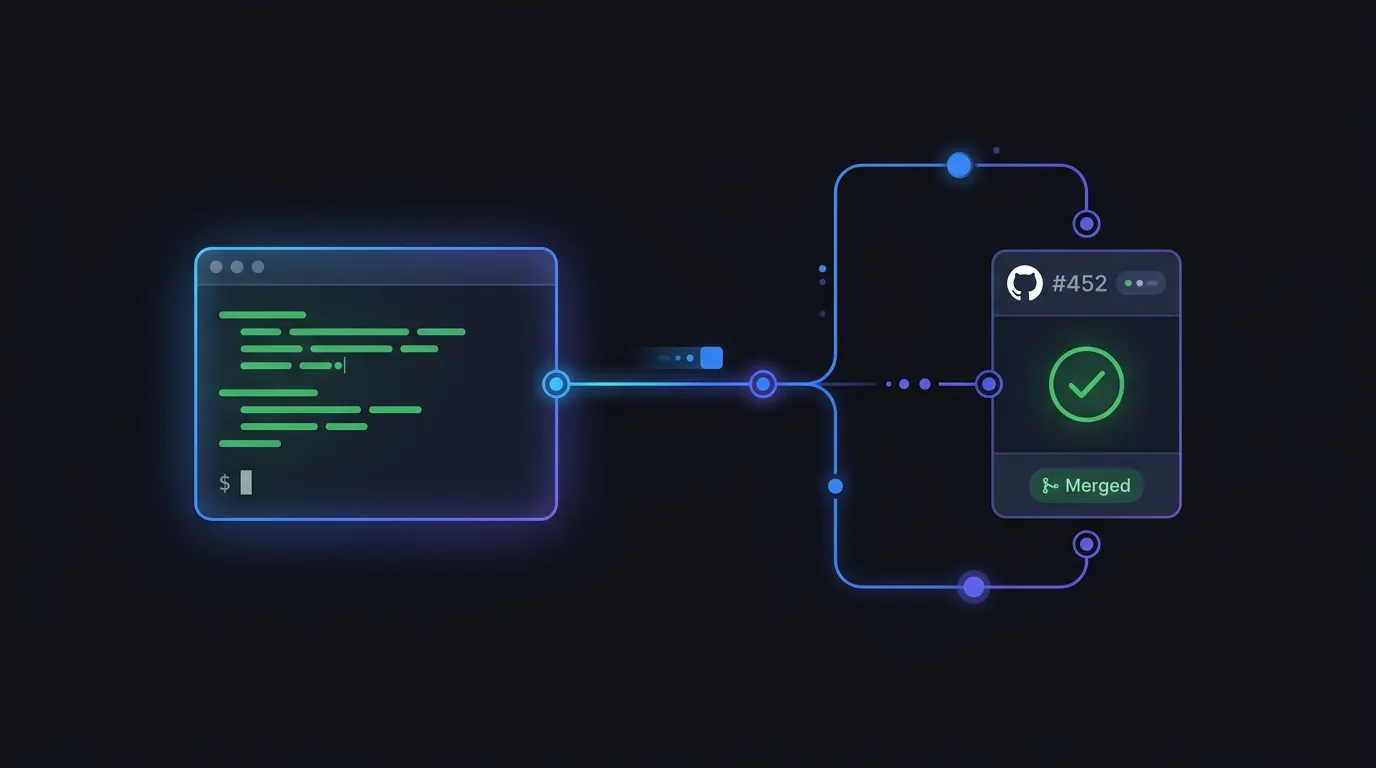
Manual translation management breaks down as your app grows. Every new feature adds strings. Every string needs translation into every target language. The LocaleKit CLI automates this loop with one command: localekit sync detects new strings, translates them, and opens a pull request on GitHub.
Docs Reference
Full CLI documentation is available at docs.localekit.app
The sync command: translate and push in one step
The localekit sync command combines translation and GitHub integration. It translates your missing strings, creates a branch, commits the changes, and opens a pull request - all in one command.
# One command to translate + open a PR
$ localekit sync \
  --engine deepl \
  --api-key $DEEPL_API_KEY \
  --repo myorg/myapp \
  --github-token $GITHUB_TOKEN

Scanning... found Localizable.xcstrings (42 entries)
Translating 8 new keys to de-DE, fr-FR, ja-JP...
Creating branch: localekit/translations-2026-03-21
Pushing changes...
Pull request created: #47 "Update translations via LocaleKit"
CI/CD integration
Add LocaleKit to your CI pipeline so translations stay current with every merge to main. Here is a GitHub Actions workflow that runs localekit sync on a schedule.
name: Update Translations
on:
  schedule:
    - cron: '0 9 * * 1'  # Every Monday at 9am
  workflow_dispatch:       # Manual trigger

jobs:
  translate:
    runs-on: macos-latest
    steps:
      - uses: actions/checkout@v4

      - name: Install LocaleKit CLI
        run: |
          brew tap hexagone-studio/localekit https://github.com/hexagone-studio/LocaleKit.git
          brew install localekit-cli

      - name: Login
        run: localekit login --email ${{ secrets.LOCALEKIT_EMAIL }} --password ${{ secrets.LOCALEKIT_PASSWORD }}

      - name: Sync translations
        run: |
          localekit sync \
            --engine deepl \
            --api-key ${{ secrets.DEEPL_API_KEY }} \
            --repo ${{ github.repository }} \
--github-token ${{ secrets.GITHUB_TOKEN }}GitHub Token Permissions
Your GitHub token needs Contents (read/write), Pull requests (read/write), and Metadata (read-only) permissions. Use a fine-grained token scoped to your repository.
Validate before shipping
Translation bugs are hard to catch in code review. The localekit validate command checks for placeholder mismatches, empty translations, and duplicate keys before they reach production.
$ localekit validate ./MyApp --strict

1 error, 1 warning:
  ERROR  Localizable.xcstrings > de-DE > "greeting"
         Placeholder mismatch: source has %@ but translation is missing it

  WARN   Localizable.xcstrings > fr-FR > "settings_title"
         Empty translation

Exit code: 1 (strict mode)
Track what changed with diff
After translating, LocaleKit saves a snapshot. Next time you add or change strings, localekit diff shows you exactly what needs re-translation.
$ localekit diff ./MyApp

Changes since 2026-03-18:
  3 new keys:     home.welcome, home.subtitle, settings.theme
  1 modified key: home.title (source text changed)
  0 removed keys

4 keys need translation across 3 languages.
We added localekit sync to our Monday CI job. New translations now land as a PR every week without anyone touching a translation file.
Automation FAQ
Can I preview changes before they are pushed?
Yes. Add --dry-run to any command (translate, sync, validate) to see what would happen without writing files or creating PRs.
What if a translation is wrong after automation?
Edit the string directly in your localization file and commit it. LocaleKit will not overwrite existing translations - it only fills in missing ones.
Can I limit which languages get auto-translated?
Yes. Use --languages de-DE,fr-FR to translate only specific languages. Or set targetLanguages in your .localekitrc.yml config file.
Stop managing translation files manually
LocaleKit detects, translates, and syncs all your localization files — iOS, Android, Flutter, and more. Everything runs locally on your machine.
Privacy-first. No cloud required.