App Localization vs. Translation: What's the Difference?
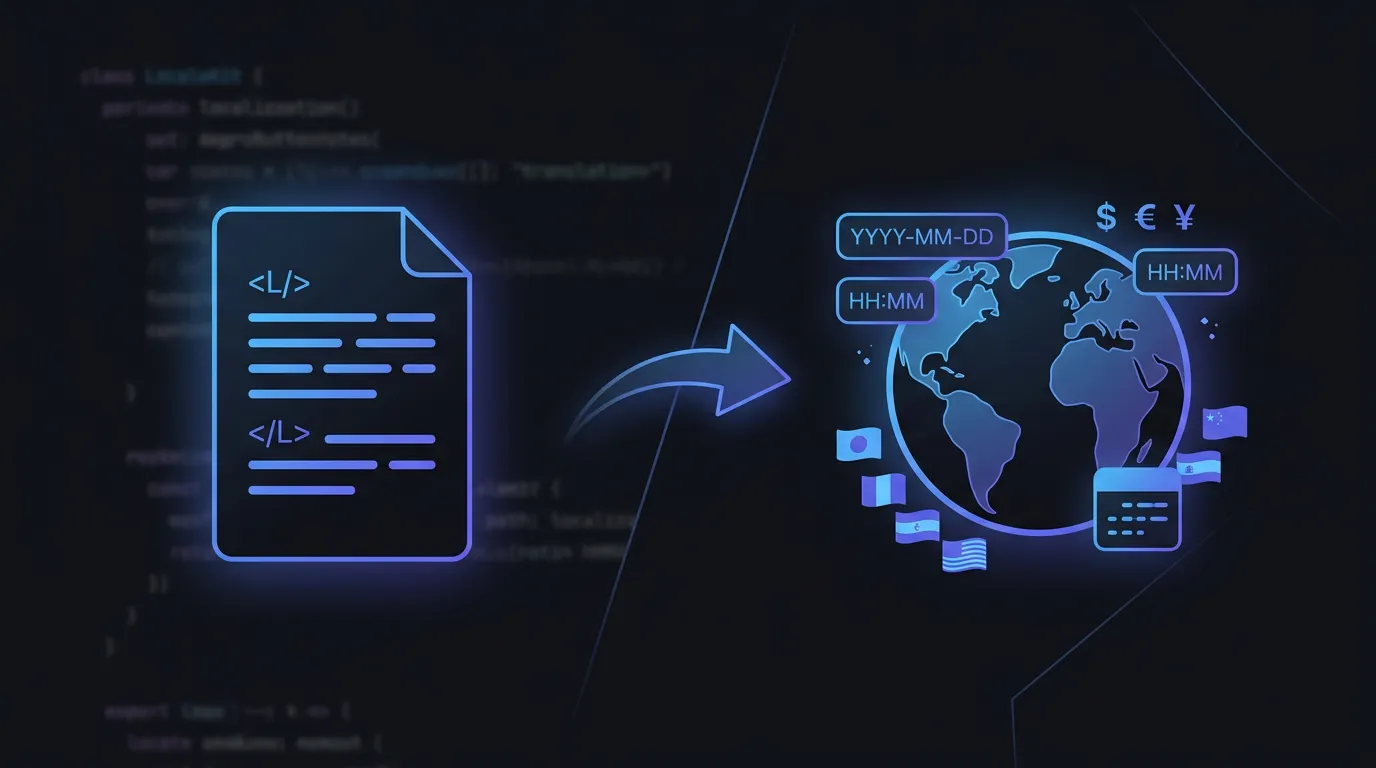
Translation converts text from one language to another. Localization adapts the entire user experience - date formats, currencies, number separators, text direction, and cultural conventions. A translated app says 'Settings' in French. A localized app also formats dates as DD/MM/YYYY and prices as 100,00 EUR. The difference matters more than most developers realize.
Translation: Converting words
Translation converts text from one language to another. It's necessary but not sufficient.
Localization: Adapting the experience
Localization (l10n) goes beyond words - it includes adapting date formats, number formats, currencies, images, layouts, and features to match local expectations.
The Full Picture
The hierarchy: Internationalization (i18n) → Localization (l10n) → Translation. i18n is code architecture. l10n is the adaptation process. Translation is one step within l10n.
What localization covers beyond translation
- Date and time formats (MM/DD/YYYY vs DD.MM.YYYY)
- Number formatting (1,000.50 vs 1.000,50)
- Currency symbols and positioning ($100 vs 100€)
- Right-to-left layout mirroring for Arabic and Hebrew
- Plural rules (English has 2 forms, Arabic has 6)
Translation gets the words right. Localization gets the experience right.
Common Questions
Can machine translation replace human translators?
Machine translation is great for first drafts, but human review is essential for production apps. Context and cultural nuance are hard for machines.
Which languages should I localize to first?
Check your analytics. Common first targets: Spanish, French, German, Japanese, Simplified Chinese, and Portuguese.
Stop managing translation files manually
LocaleKit detects, translates, and syncs all your localization files — iOS, Android, Flutter, and more. Everything runs locally on your machine.
Privacy-first. No cloud required.